Amazon Premium A+
Amazon Premium A+ content: what it adds, who can use it, and how to make the images
Amazon Premium A+ content allows up to 7 modules, 1464 × 600 px images, video and interactive modules, for registered brands that meet Amazon's criteria. Product Aura makes the Premium module images from one product photo.
Table of contents
What is Amazon Premium A+ content?
Amazon Premium A+ content is the larger format of Amazon A+ content: up to seven modules per ASIN instead of five, with larger images, videos, interactive hotspots, navigation carousels, Q&A sections and enhanced comparison charts (Amazon A+ Content design guide, September 24, 2025), so shoppers who scroll below the gallery see more of your product.
Amazon says “Brands using Premium A+ Content may see up to a 20% increase in sales”, against up to 8% for Amazon Basic A+ content (design guide). Amazon gives the source only as “Amazon internal data”.
Who can use Amazon Premium A+ content?
Amazon Premium A+ content is for registered brands that meet Amazon's criteria (Amazon A+ Content design guide), on top of the Amazon A+ content requirements: a Professional selling account and a Brand Representative or Reseller role on a brand enrolled in Amazon Brand Registry (Amazon A+ Content), so check your own A+ Content Manager for the Premium option before you plan a Premium page.
What are the Amazon Premium A+ eligibility criteria?
The Amazon Premium A+ eligibility criteria, in an Amazon staff post on the EU Seller Forums (about 2023), are a Brand Story module on all your brand-owned listings and five approved A+ Content modules in the last 12 months (Amazon staff, Seller Forums). An older Amazon post (about 2022) asked for 15 approved A+ projects in 12 months (Amazon staff), and Amazon staff quote the help page saying eligibility is re-evaluated every week (Amazon staff). Seller-tool reports from May and June 2026 say Amazon has since opened Premium A+ to more brand-registered brand owners; Amazon has not confirmed that on a public page. The criteria have changed over time, so the Premium option in your A+ Content Manager is the final answer for your account.
Is Amazon Premium A+ content free?
Yes, Amazon Premium A+ content is free: Amazon says “A+ Content is free for sellers who meet eligibility requirements” (Amazon A+ Content). You pay only for the Professional selling account and for making the images, so the cost is in the design, not in the module.
What is the difference between Amazon Basic and Premium A+ content?
The difference between Amazon Basic and Premium A+ content is size and features: Premium allows up to seven modules instead of up to five, 1464 × 600 px images instead of 970 × 600 px, and video and interactive modules that Basic does not have. Both are free, so the choice depends on whether your brand qualifies and how much you want to show.
| Basic A+ content | Premium A+ content | |
|---|---|---|
| Modules per ASIN | Up to 5 | Up to 7 |
| Widest image | 970 × 600 px (header) | 1464 × 600 px desktop, plus 600 × 450 px mobile |
| Video | No | Yes (Hero Video, Video & Text, Video Image Carousel) |
| Interactive modules | No | Hotspots, image and navigation carousels, Q&A |
| Comparison | Comparison chart | Enhanced comparison carousels and tables |
| Who can publish | Brand-registered sellers (or generic products) | Registered brands that meet Amazon’s criteria |
| Price | Free | Free |
One A+ content document holds only Basic or only Premium modules; the two cannot be mixed (Amazon SP-API, A+ Premium modules).
What size are Amazon Premium A+ images?
Amazon Premium A+ images are at least 1464 × 600 px on desktop and 600 × 450 px on mobile for the full-width modules (Amazon SP-API, A+ Premium modules), so plan a mobile version of every wide banner. The other Premium modules use smaller images:
- Image & Text: 800 × 600 px;
- Dual Image & Text: 650 × 350 px per image;
- Comparison Carousel: 488 × 700 px desktop, 600 × 450 px mobile;
- Four Column Images and Three Column Comparison: 300 × 225 px per column.
Each image should be no larger than 2 MB (design guide). Every module, Basic and Premium, is on the Amazon A+ content image sizes page.
How do you make Amazon Premium A+ images with Product Aura?
To make Amazon Premium A+ images with the Product Aura Amazon A+ content generator, upload one product photo, choose the Amazon A+ pack and pick Premium: Product Aura makes up to 7 modules in the order top listings in your category use, each at 2928 × 1200 px, twice the 1464 × 600 px desktop size.
- Upload one clear photo of the whole product, or paste its product page link.
- Choose the Amazon A+ pack, then Premium, and keep “Also make the 600 × 450 mobile image” ticked.
- Choose whether the text goes on the images or into Amazon's A+ text fields.
- Check the shot plan and its cost, generate, and download the ZIP.
Product Aura also makes each module's 600 × 450 px mobile image, laid out again for a phone screen (on by default, 1 credit each), because a crop of the wide banner keeps only about half its width. Product Aura does not make videos, hotspot data or Q&A text; you add those in A+ Content Manager. See the Amazon A+ content generator for the module order per category.
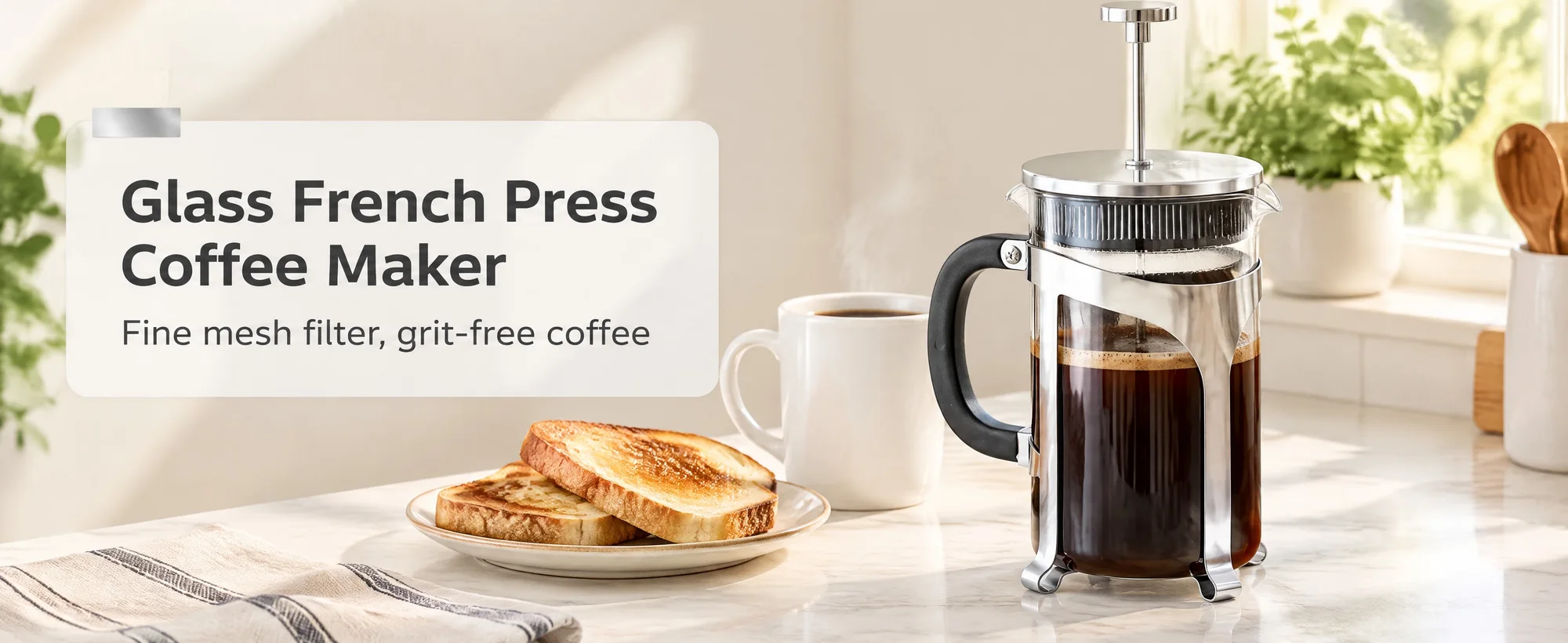
Hero banner
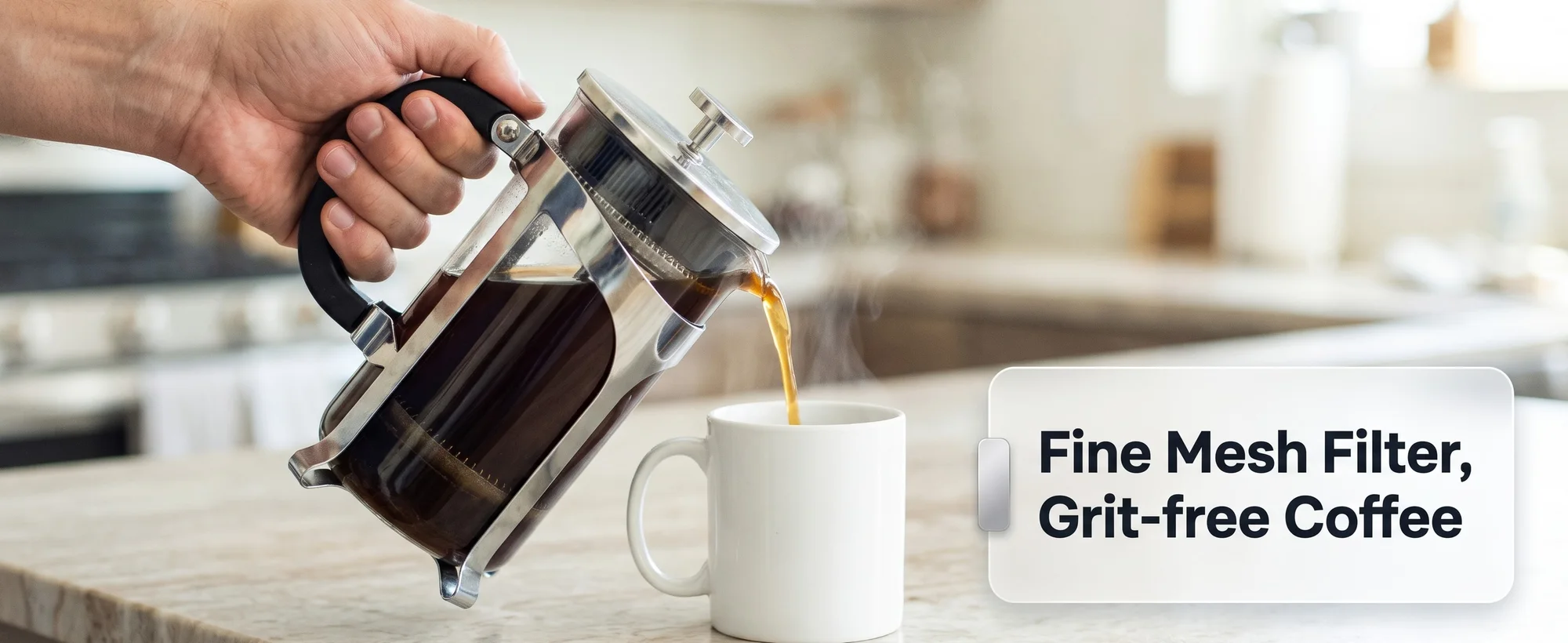
Feature banner

Feature banner
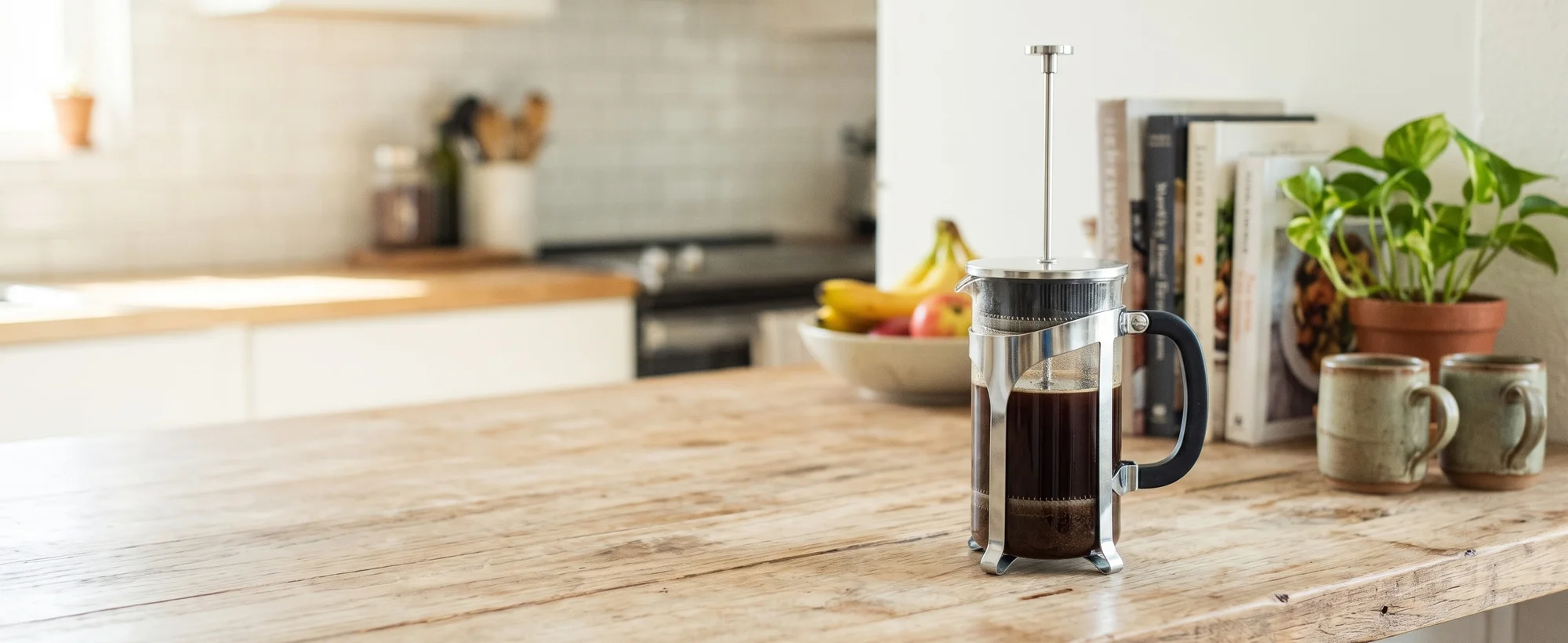
Lifestyle banner
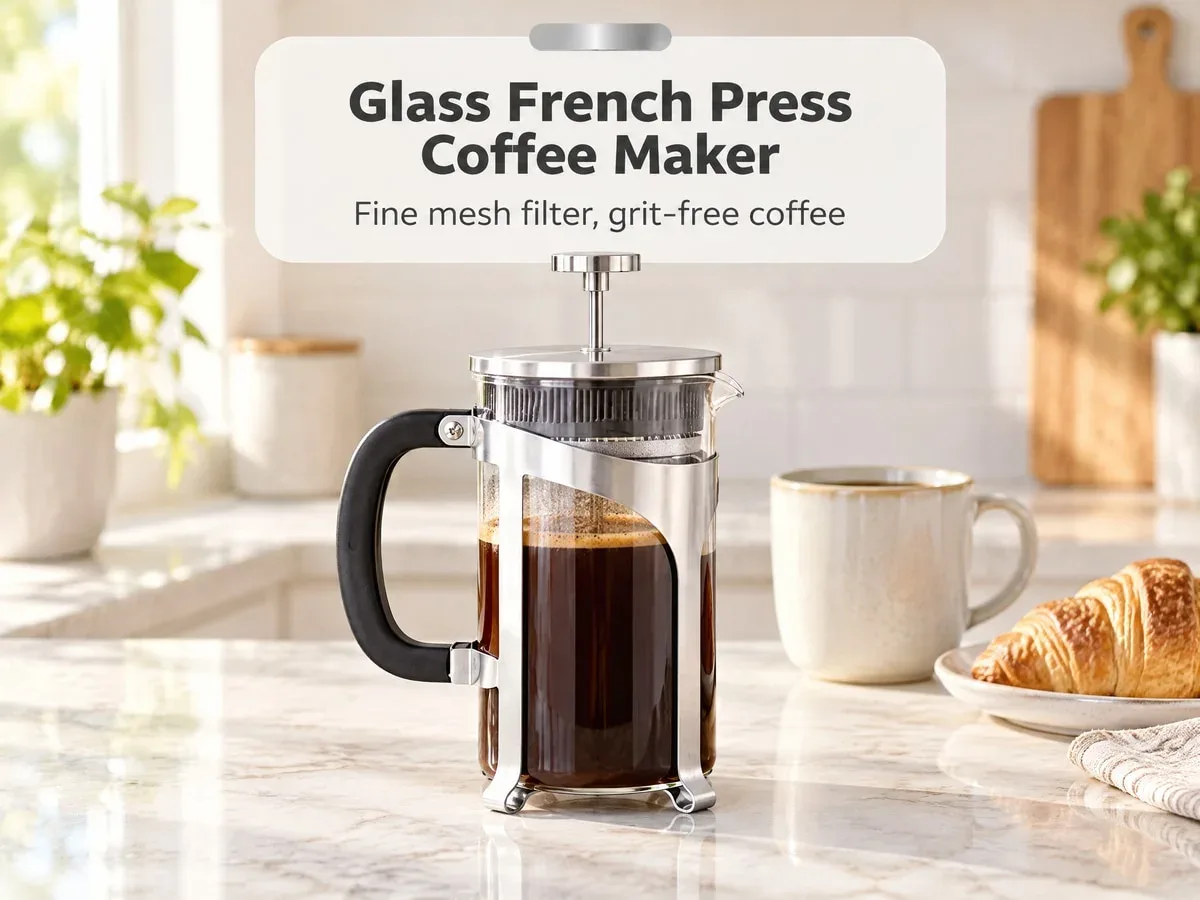
Hero banner, mobile

Feature banner, mobile
How much does an Amazon Premium A+ content set cost?
An Amazon Premium A+ content set of 7 modules costs about $1.74 to $2.22 with Product Aura, about $0.25 to $0.32 per module image, while freelance designers list Amazon Basic A+ content packages alone at about $110 to $250 per product (designer prices: Dribbble, November 2026). With the mobile image of every module, the set is 14 images, about $3.48 to $4.43. Each image uses 1 credit (2 with some premium image models), and the shot plan shows the total before anything runs, so you can make a Premium page for every product. See Product Aura pricing.
Frequently Asked Questions
Can I mix Amazon Basic and Premium A+ modules?
No, you cannot mix Amazon Basic and Premium A+ modules: Amazon’s A+ documentation says one A+ content document holds only Standard or only Premium modules. Product Aura makes each set in one format, so every module in it fits the page you build.
Does Amazon Premium A+ content need a separate mobile image?
Yes, Amazon Premium A+ content needs a separate mobile image for its full-width modules: at least 600 × 450 px next to the 1464 × 600 px desktop image. Product Aura makes both: the desktop image and, unless you switch it off, a 600 × 450 mobile image laid out again for phones, 1 credit each, so every module also looks right on a phone.
Can I use video in Amazon Premium A+ content?
Yes, you can use video in Amazon Premium A+ content: the Hero Video module takes a video of at least 960 × 540 px with a 1464 × 600 px preview image. Product Aura does not make videos yet; it makes the images around them.
Does Amazon Premium A+ content increase sales?
Yes, Amazon Premium A+ content may increase sales: Amazon says brands using it “may see up to a 20% increase in sales”, against up to 8% for Amazon Basic A+ content, based on Amazon internal data it does not detail, so compare your own listing’s sales before and after.
Make Amazon Premium A+ images from one product photo
Up to seven Amazon Premium A+ modules at twice the 1464 × 600 px size, each with its 600 × 450 mobile image, in the order top listings in your category use.
Make Amazon Premium A+ images