TikTok Shop product images
TikTok Shop product images: a full square gallery from one photo
Upload one photo. Get a white main image, a feature card, a spec card, a second angle, a close-up, two scenes and an in-hand shot, square and sized for every TikTok Shop region. New accounts get 12 free credits, with no card.
What TikTok Shop product images does Product Aura make from one photo?
Product Aura makes 8 square TikTok Shop product images from one photo by default, in the order top TikTok Shop listings use:
- the main image: the front view on pure white, with no text;
- a feature card: 3 to 4 selling points as short callouts;
- a spec card: size, material and what is in the box, as text;
- a second angle on white;
- a detail close-up;
- a lifestyle scene;
- an in-hand shot that shows the true size;
- a second scene in a different setting.
A how-to-use image with 3 numbered steps is optional. After the set is made, “Add images” offers a flat lay and a what’s-in-the-box shot. The ZIP names each file in gallery order, so you can upload the set in the right order:
product-name-set-code-01.jpg
Main image on white
Front view on pure white, filling the frame, with no text: the first image, as TikTok Shop asks in every region.
1:1
product-name-set-code-02.jpg
Feature infographic (text)
Your 3–4 main selling points as short callouts, the image top TikTok listings put second.
1:1
product-name-set-code-03.jpg
Spec image (text)
Size, material and what is in the box as text, the image top listings put second or third.
1:1
product-name-set-code-04.jpg
Second angle on white
The product from another angle on white: TikTok Shop asks for a different view in every image.
1:1
product-name-set-code-05.jpg
Detail close-up
A close crop on materials and finish, the quality buyers cannot touch online.
1:1
product-name-set-code-06.jpg
Lifestyle scene
Your product in use or on display in a realistic setting.
1:1
product-name-set-code-07.jpg
In hand / scale
A hand holding or using the product, so buyers see its real size.
1:1
product-name-set-code-08.jpg
Second scene
The product in a different setting: TikTok Shop marks sets that reuse one scene as lower quality.
1:1
product-name-set-code-09.jpg
How to use (text)
Three numbered steps for using the product; also works as a description image.
1:1 · optional, off by default
product-name-set-code-10.jpg
Flat lay
A top-down styled flat lay with a few props from the product’s world.
1:1 · optional, off by default
product-name-set-code-11.jpg
What’s in the box
Everything that comes with it, laid out neatly, so buyers know what they get.
1:1 · optional, off by default
A TikTok Shop set made by Product Aura from one stock photo, unedited (7 of the 8 images a set makes by default). The backpack had no measurements in its profile, so its spec card shows labelled close-ups instead of sizes:
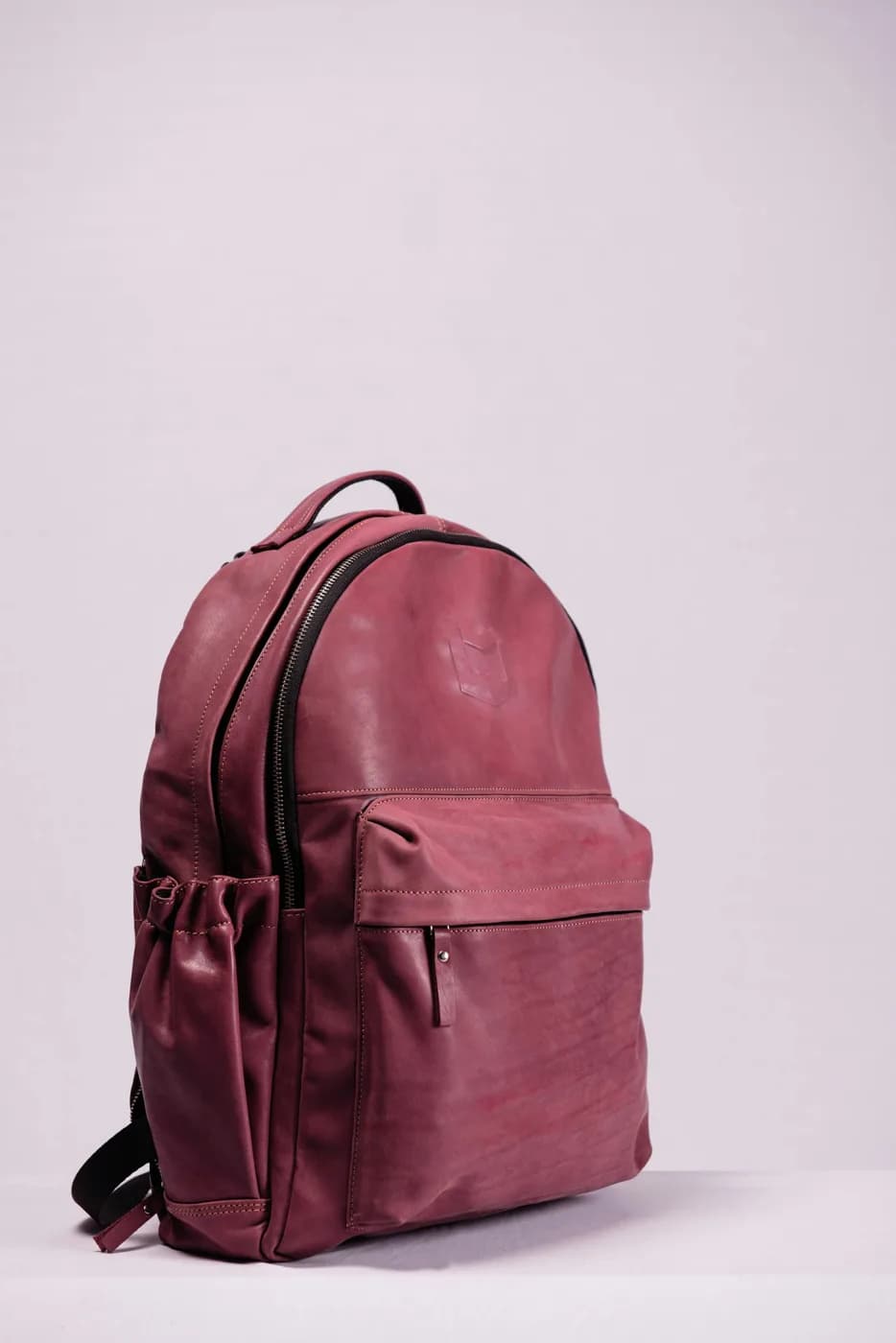
Leather backpack
Made by Product Aura
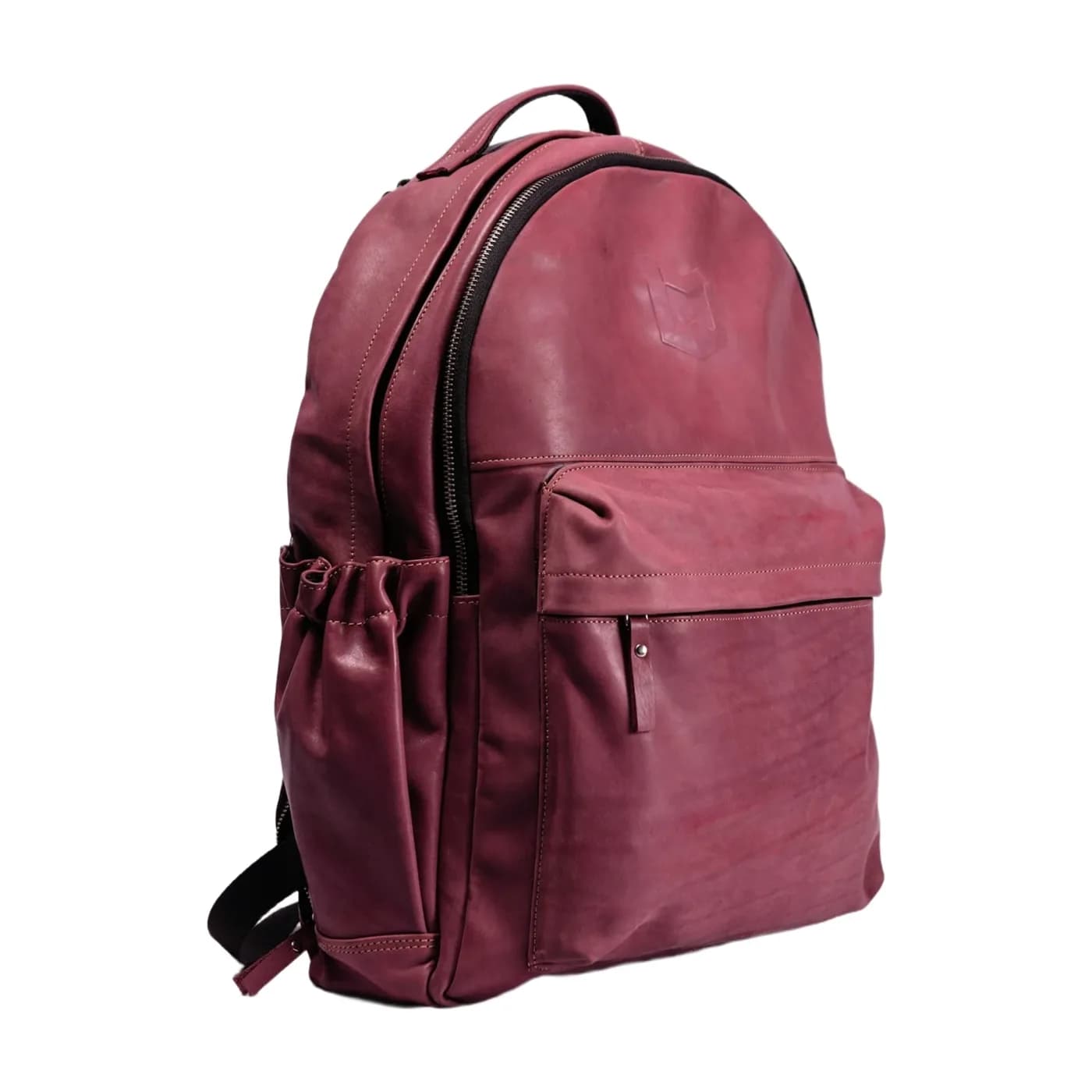 Main image on white
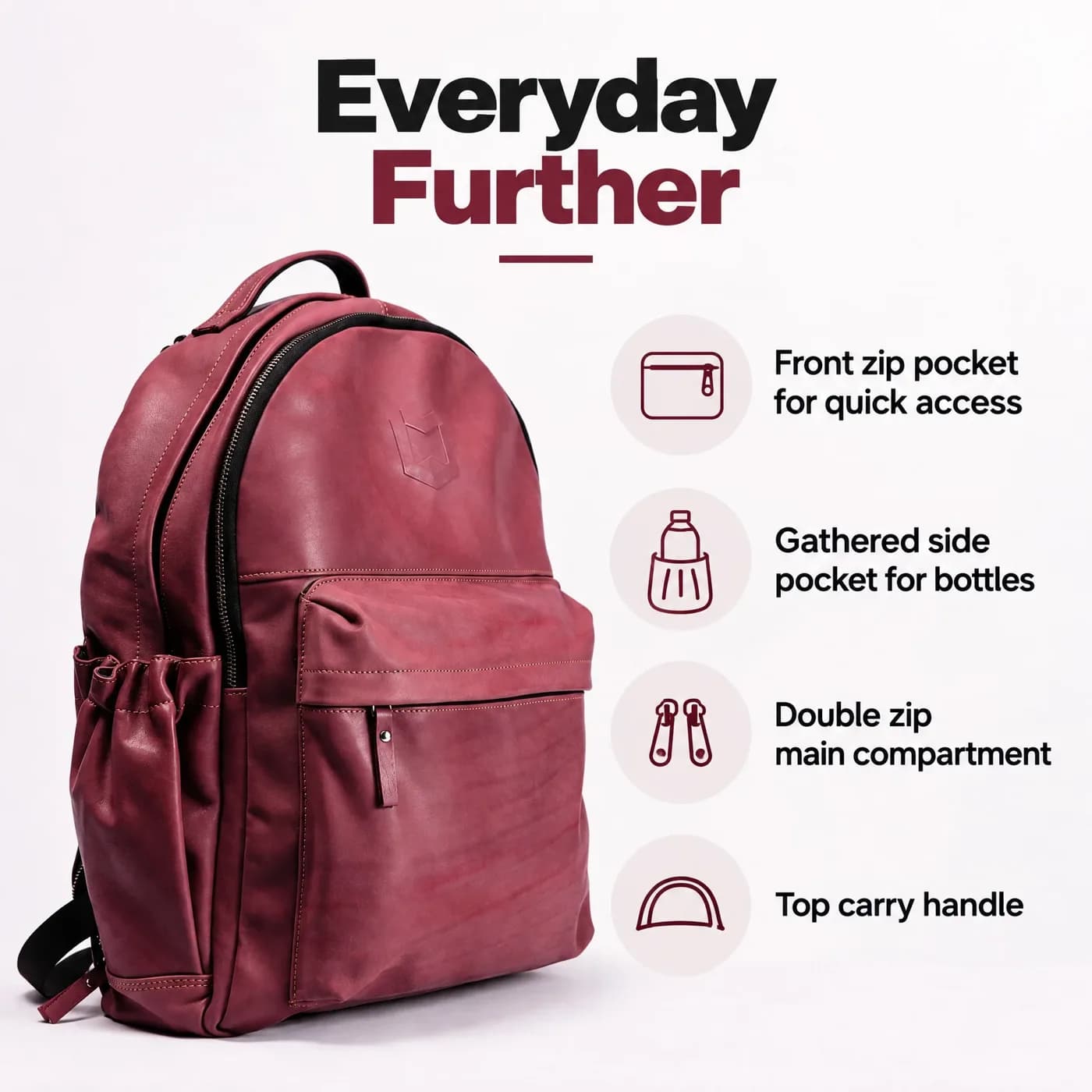 Feature card
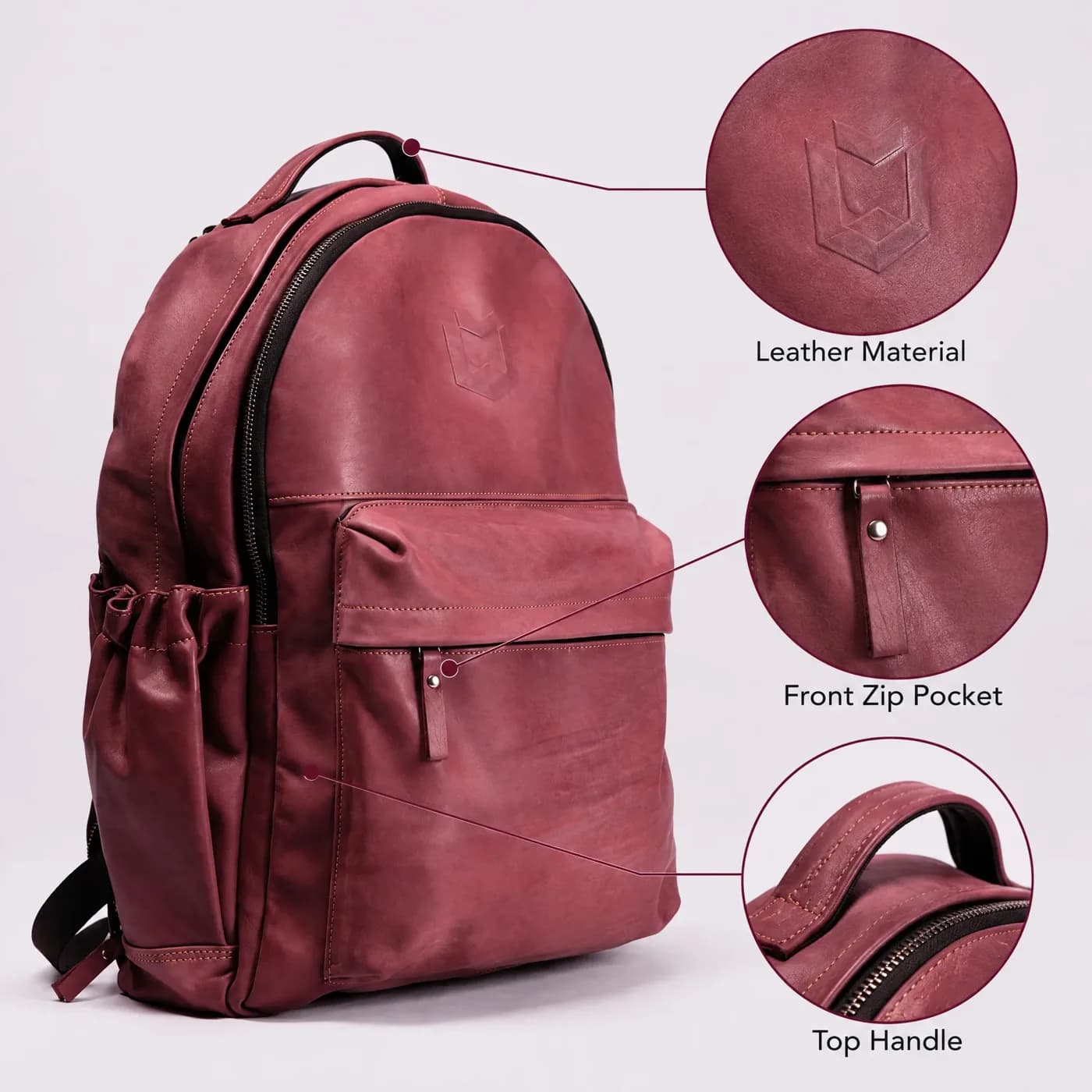 Labelled close-ups
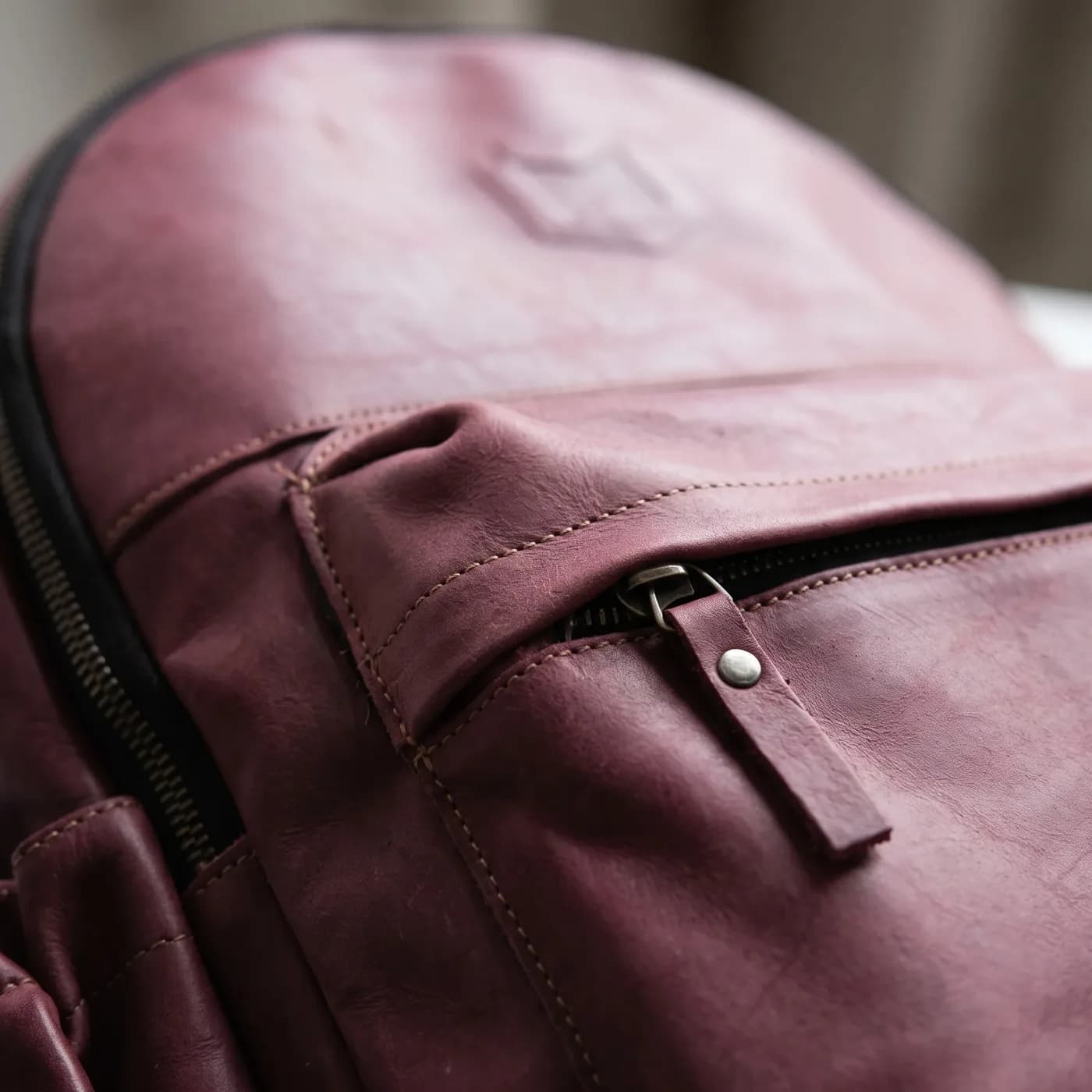 Close-up
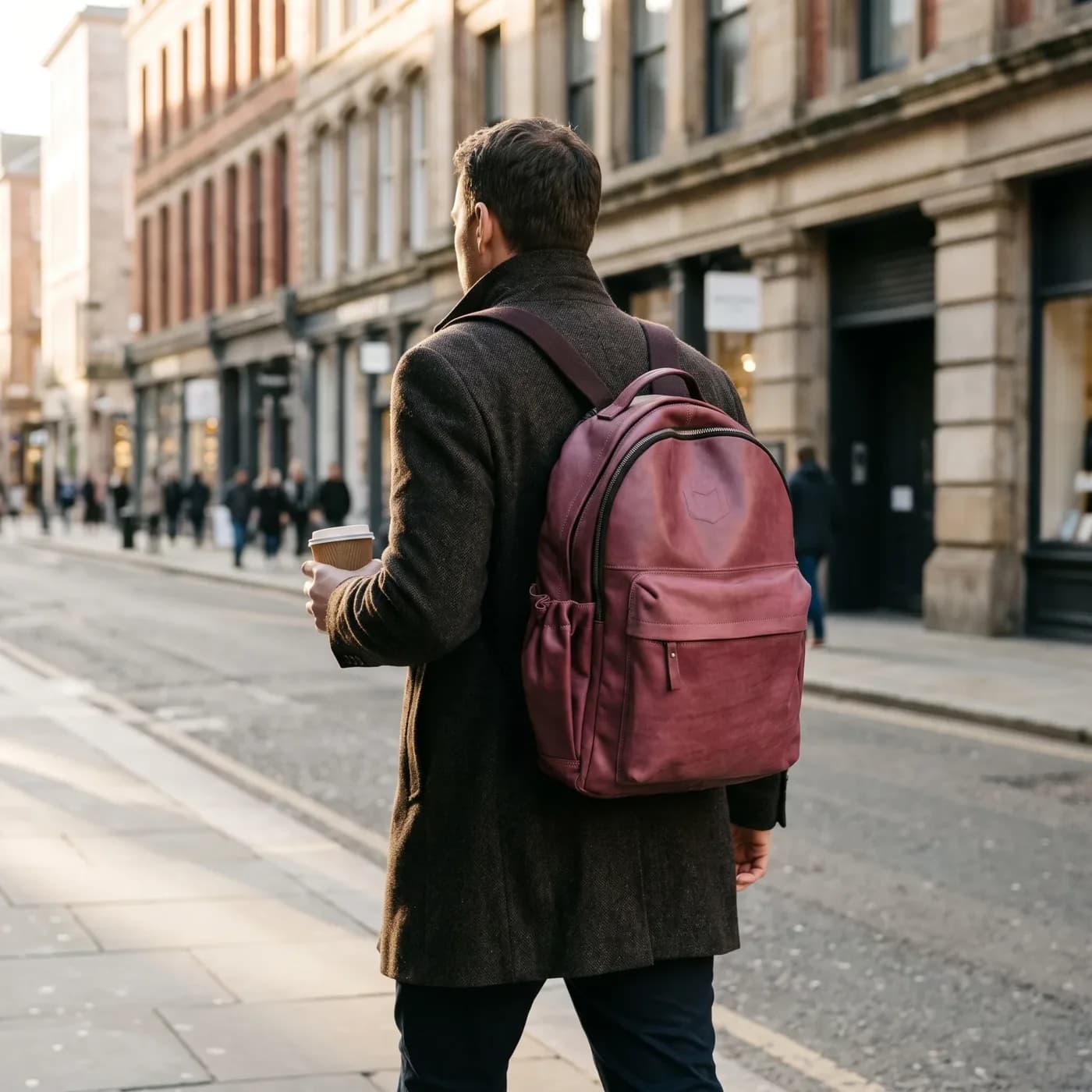 Street scene
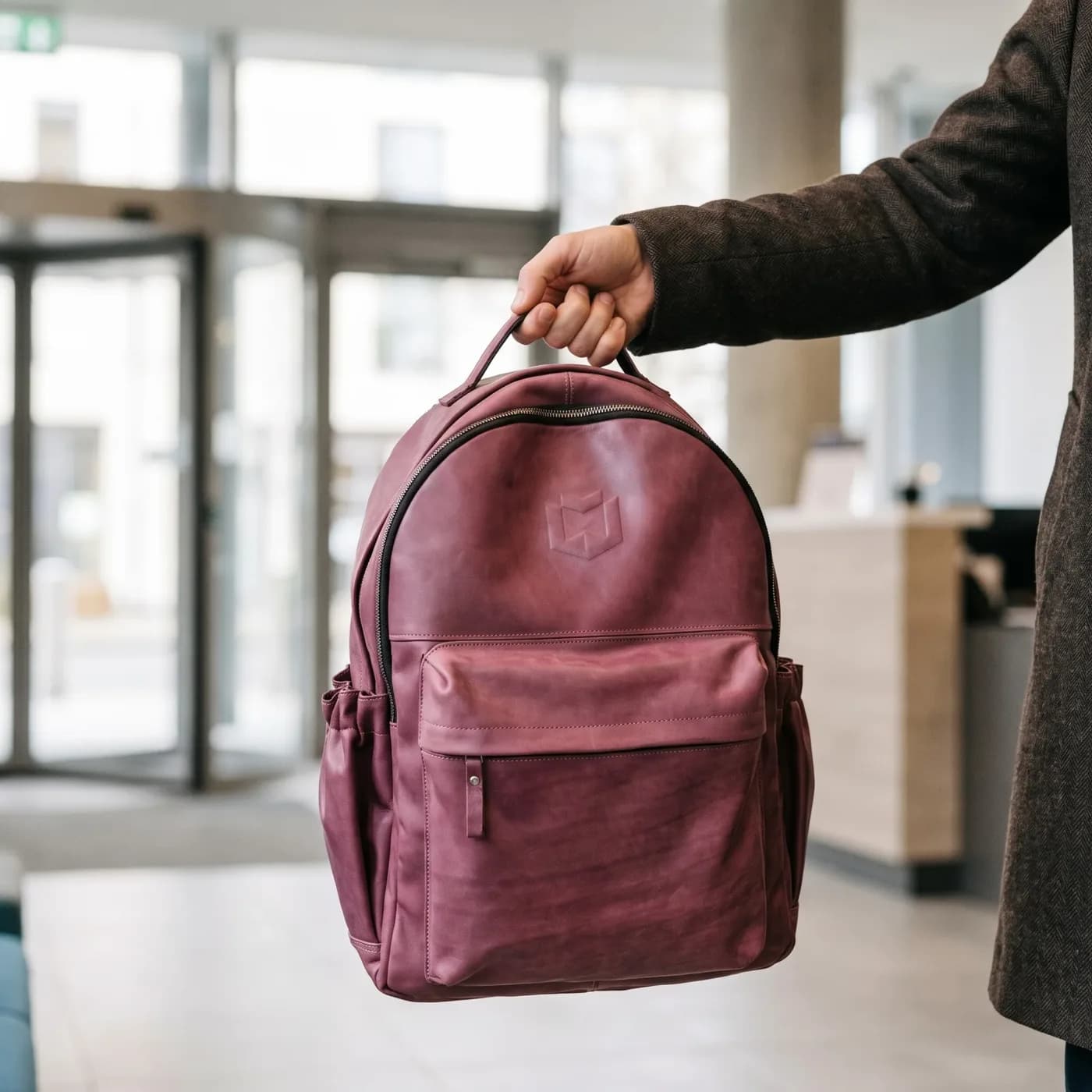 In hand
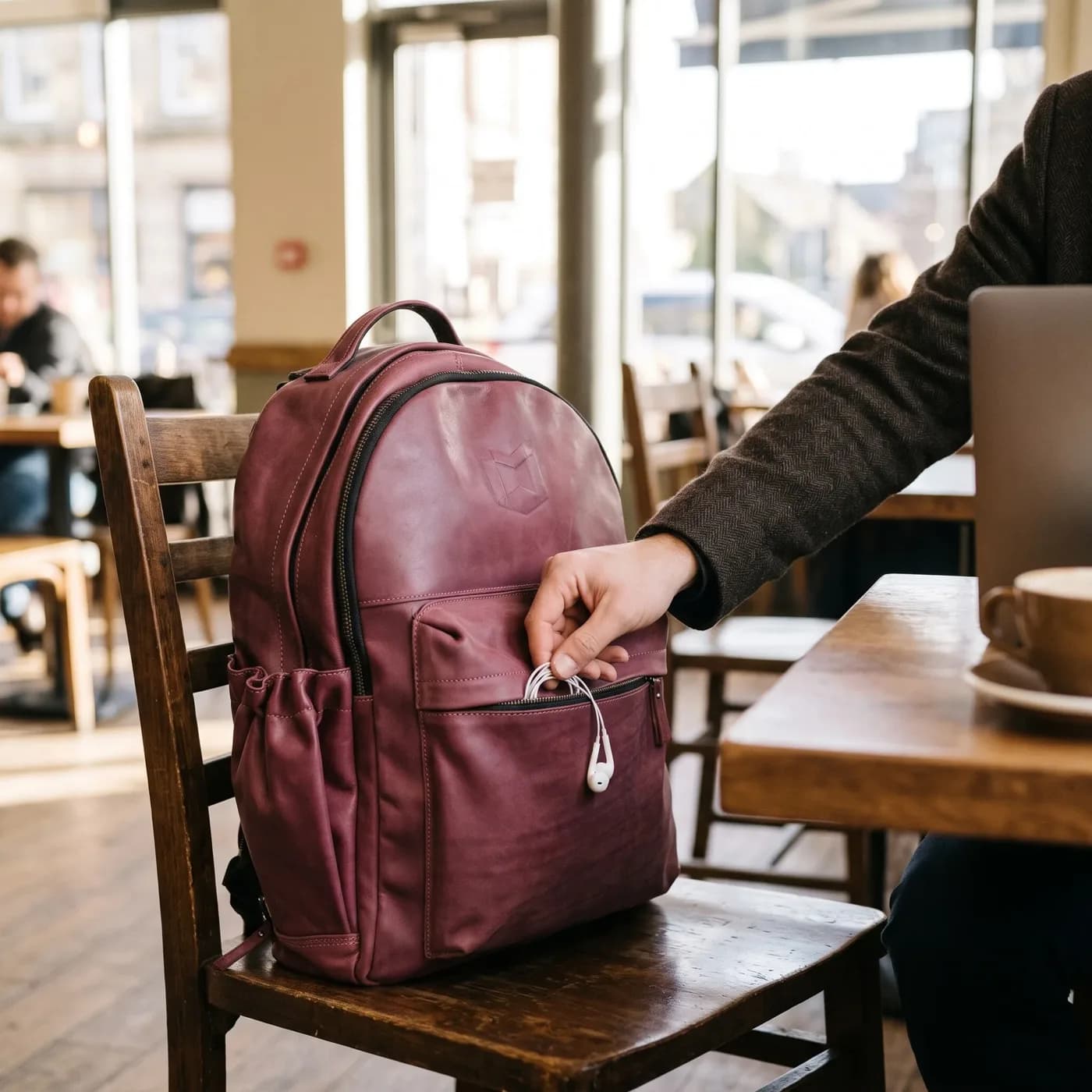 Café scene
Why does a TikTok Shop set need a different angle or scene in every image?
TikTok grades every listing Poor, Fair or Good, and its Good tier asks for at least 5 images with “varied angles, poses, or scenes” (PDP & Listing Quality Guidelines, US, updated July 8, 2026). The same guide marks sets that reuse one base photo with only the colour or outfit swapped as “template-based”. Each of the 8 Product Aura images uses a new view, card or setting, so your listing meets the 5-image floor without repeating itself.
What goes in the TikTok Shop main image?
The TikTok Shop main image is your product from the front on pure white, whole and filling the frame, with no text, logo, border or watermark. Pure white is required in the US and Brazil and recommended in Southeast Asia, so one white main image works in every region. Product Aura cuts your real product out of your photo and places it on white, so the main image shows your product’s own pixels. The full rules are on the TikTok Shop product image requirements page.
Can TikTok Shop gallery images have text?
TikTok Shop gallery images can have text only where the region’s rules allow it: the US and Brazil listing policies ban added text, logos, borders and graphics on every product image, and TikTok’s UK and EU best-practice page asks for no text or watermarks other than product branding (US Product Listing Policy, Brazil, UK). TikTok’s own US quality guide still suggests “[Image+Text]” images for specs, materials and how-to steps, so its pages disagree with each other.
In practice, top sellers use text. In our study of 19 top-selling US TikTok Shop listings (November 2026), about 7 in 10 of the images the sellers made carried text, and slots 2 and 3 were usually a feature card or a spec image. So the Product Aura TikTok Shop set ticks the feature card and the spec card by default, and the main image never has text. Untick “Text on images” for a set of 6 text-free images, so you can follow the written policy to the letter. Text images also work in the product description, which TikTok’s US listing guide says can show “size guides… or usage instructions”.
The text ban is the rule on paper; text infographics are what the best-selling listings show. The choice is yours, and the checkbox makes it one click.
Are the images inside TikTok Shop’s rules?
Yes. Every Product Aura TikTok Shop image is square, at least 2,000 × 2,000 pixels, and checked against TikTok Shop’s size and file limits on the set page, so you can upload the whole set without failed files.
| Rule | TikTok Shop | Product Aura TikTok Shop set |
|---|---|---|
| Shape | Square (1:1) | 1:1 on every image |
| Minimum size | 600 × 600 px (US, Brazil, Southeast Asia); 800 × 800 px (UK, EU) | 2,000 × 2,000 px or more |
| File | JPG, JPEG or PNG, up to 10 MB in Seller Center | Checked against 5 MB |
| Images per listing | Up to 9; the Good tier needs 5 or more | 8 by default |
| Main image | Front view, no text; pure white in the US and Brazil | Front view on pure white, no text |
| Redirects | No QR codes, links, phone numbers or social handles | Never drawn on any image |
Sources: US Product Listing Policy (updated September 1, 2026), US How to Add Products (November 5, 2026), UK Best Practices for Product Listings (November 17, 2025), Thailand Add and Manage Product (August 27, 2026) and US Shop Tab Eligibility (September 24, 2026). The 5 MB check is ours: some listing apps report a 5 MB limit, while Seller Center allows 10 MB.
The checklist on every TikTok Shop set shows:
- whether each image is square;
- whether each image is at least 800 × 800 pixels, the UK and EU floor;
- whether each file is under 5 MB;
- whether the main image is the front view on pure white with no text;
- whether the set has the 5 images the Good tier asks for.
Every rule by region is on the TikTok Shop product image size page. To fit photos you already have, use the TikTok Shop image resizer.
Do the images work in the UK and EU?
Yes. TikTok Shop in the UK and EU needs square images of at least 800 × 800 pixels, and Product Aura exports at least 2,000 × 2,000 pixels, so the same set uploads in London, Berlin or Madrid.
How does Product Aura write sizes on the spec card?
Product Aura writes sizes, weights and volumes on the TikTok Shop spec card in US units first with metric in brackets, for example “7.9 × 3.9 in (20 × 10 cm)”. Values you type in both systems stay as typed, and the card shows only the facts you give, word for word, so buyers in every region read a size they know.
Can you use AI product images on TikTok Shop?
Yes, you can use AI product images on TikTok Shop when they show the real product accurately: TikTok’s US page on AI-generated content in listing images (updated September 24, 2026) says its goal is “not to discourage AI-generated content (AIGC) entirely”. The same page says AI must not:
- change the product’s size, colour, material, shape, features or performance;
- create false scale with people, furniture or rooms;
- turn a flat item, such as a poster or sticker, into a fake 3D object;
- show more items, or a bundle, than the buyer will get.
Brazil’s policy adds: “Do not use rendered or AI-generated images that do not accurately reflect the product’s real features and appearance” (Brazil Product Listing Policy, updated October 28, 2026).
Product Aura starts from your real photo and tells the image model to keep the product’s shape, proportions, colours and label text. The scenes, the in-hand shot and the feature card are told to show the product at its true size, quantity and form. Generated scenes can still drift, so check each image; rate it “Product looks different” and make it again if it does not match, so every image shows what the buyer receives.
Every image also carries the IPTC “AI generated” label in its file metadata. TikTok’s AI page does not mention a visible AI label on product images. More on the rules is in the TikTok Shop AI image rules.
How do you create TikTok Shop product images in Product Aura?
Upload one photo, check the product profile and the shots, and download a ZIP to upload in TikTok Shop Seller Center. The images take about 1 to 3 minutes to make, so a new product can go live the same day.
1. Upload one product photo
A clear JPG, PNG, WebP, HEIC or TIFF photo of the whole product, up to 15 MB. A stock photo or a phone photo works; the backpack set above came from one stock photo.
2. Check the product profile and the shots
Product Aura drafts the product name, its selling points and its setting from the photo. The selling points become the feature card, and the setting shapes both scenes. Add the size, material and what is in the box for the spec card. Leave “Text on images” ticked for the feature and spec cards, or untick it for a text-free set.
3. Review and fix with a sentence
Rate each image, change it with a sentence such as “put it on a gym bench”, or make it again. Every version is kept, so you can compare and pick the one that goes in the ZIP.
4. Upload to TikTok Shop
In TikTok Shop Seller Center, go to Products > Add Products and add the images, main image first. Seller Center takes up to 9 images per product, in JPG or PNG, at least 600 × 600 pixels and up to 10 MB each (How to Add Products). The files are numbered in gallery order, so the upload order is the gallery order. Product Aura does not publish to TikTok Shop directly.
Which TikTok Shop regions does the set work in?
The Product Aura TikTok Shop set works in the US, UK, EU, Brazil, Mexico, Japan and Southeast Asia, because it is built to the strictest size and main-image rules (US and Brazil). The one region choice is the text images. What differs by region:
- US and Brazil: pure white main image; the policy bans added text on every image.
- UK and EU: at least 800 × 800 pixels; no text or watermarks other than product branding.
- Southeast Asia: a solid-colour main background is allowed (white recommended), and the product fills at least 60% of the frame (Thailand Product Listing Guidelines); Malaysia’s guide shows selling-point text that does not cover the product (Malaysia image guidelines).
- Japan, Mexico and Indonesia: TikTok publishes no image page we could read, so Product Aura applies the US rules there.
Text on the feature, spec and how-to cards can be in any of 29 languages, including Spanish, Portuguese (Brazil), German, French, Italian, Japanese, Thai, Vietnamese, Indonesian and Malay, so buyers read the cards in their own language. The region table is on the TikTok Shop product image requirements page.
Can one photo cover TikTok Shop, Amazon and Shopify at once?
Yes. The same upload can make the TikTok Shop set, an Amazon listing image set and a Shopify product photo set, each in its platform’s shape and checked against its rules. One product holds all its sets, and AI product photos for Etsy come from the same photo too. Folders keep products in order by platform: TikTok Shop, Amazon, Etsy, Shopify and social media ads. Each set downloads as its own ZIP, so you can stock every channel from one upload.
How much does a TikTok Shop image set cost?
TikTok Shop product images from Product Aura cost $0.25 to $0.32 an image on a plan, $0.33 to $0.42 with credit packs alone. 1 credit is one 2K image, so the default set of 8 images uses 8 credits: about $2.53 on the Creator plan ($19 for 60 credits) and about $1.99 on Business ($149 for 600 credits). A text-free set of 6 uses 6 credits. The shot plan shows the cost before anything is made, so you never spend credits by surprise.
New accounts get 12 free credits once, with no card: enough for one full TikTok Shop set. See Product Aura pricing.
How is Product Aura different from TikTok Shop’s own image tools?
TikTok Shop Seller Center’s built-in tools change the background of photos you already have, while Product Aura makes a full gallery of new angles, cards and scenes from one photo. TikTok’s own tools:
- “AI Optimize” in US Seller Center swaps backgrounds (How to Add Products);
- the Southeast Asia editor removes and recolours backgrounds and changes the ratio (Thailand Add and Manage Product);
- GMV Max can auto-generate ad images from your product photos (TikTok Ads Help).
TikTok Shop product ads use the listing images. A full Product Aura set feeds both, so you can fill the listing and the ads from one upload.
Background tools fix one photo. A Good-tier listing needs 5 different ones.
Who uses the TikTok Shop product image generator?
TikTok Shop sellers launching new products, brands adding TikTok Shop next to Amazon or Shopify, and agencies that list products for clients use the Product Aura TikTok Shop product image generator.
New TikTok Shop sellers
New TikTok Shop sellers get a full gallery before the first listing goes live, without booking a shoot, so the listing starts in the Good tier instead of waiting for photos.
Multi-channel brands
Multi-channel brands make the TikTok Shop set from the same photo as their Amazon and Shopify sets, so every channel gets images in its own shape from one upload.
Agencies and developers
Agencies and developers run whole catalogs from the command line, for example npx productaura generate ./photo.jpg --pack tiktok-shop, or through the product image API and the MCP server, so client listings do not wait on manual work.
Make your TikTok Shop product images
One product photo in, a square TikTok Shop gallery out: a white main image, new angles and scenes, ready for the Good tier.
Make TikTok Shop imagesFrequently Asked Questions
How many images should a TikTok Shop listing have?
A TikTok Shop listing should have at least 5 images, because TikTok’s Good listing tier asks for 5 or more, and it can have up to 9. The Product Aura TikTok Shop set makes 8 by default, so your listing clears the bar TikTok grades it by with room to spare.
What size are TikTok Shop product images?
TikTok Shop product images are square, at least 600 × 600 pixels in the US, Brazil and Southeast Asia and at least 800 × 800 pixels in the UK and EU, in JPG or PNG up to 10 MB in Seller Center. Product Aura exports at least 2,000 × 2,000 pixels, so one set clears the floor in every region.
Can I use AI images on TikTok Shop?
Yes, you can use AI images on TikTok Shop when they show the real product’s true size, colour, shape, material and quantity, according to TikTok’s US page on AI-generated content (updated September 24, 2026). Start from a real photo of the product, as Product Aura does, so the images show what the buyer receives.
Does Product Aura add QR codes or my shop handle to the images?
No, Product Aura never adds QR codes, web addresses, phone numbers or social handles to TikTok Shop images, because TikTok treats them as off-platform redirection. Every TikTok Shop prompt forbids them, so your listing does not get flagged for sending buyers elsewhere.
Is Product Aura a TikTok Shop app?
No, Product Aura is not a TikTok Shop app: Product Aura is a web app with an API, an MCP server and a CLI, and it does not publish to TikTok Shop. You download a ZIP and upload the images in TikTok Shop Seller Center, so nothing is connected to your shop.
Can Product Aura make TikTok Shop videos?
No, Product Aura does not make TikTok Shop videos yet: it makes images now, and video comes later. A TikTok Shop listing takes 1 video next to its images, so you can fill the image slots today and add your own video.
Can I try Product Aura before I pay?
Yes, you can try Product Aura before you pay: a new account gets 12 free credits once, with no card, enough for one TikTok Shop set of 8 images. After that, buy a one-time pack of 50 credits for $21, so you can make sets for more products without a monthly plan.