Amazon lifestyle images
Amazon lifestyle images: in-use, in-hand and scene photos made from one product photo
Upload one photo. Get your real product in a lifestyle scene, in use and in someone's hand, in the setting your buyers live in, with no photo shoot.
The lifestyle images are part of the full set from the Amazon listing image generator.
Table of contents
What are Amazon lifestyle images?
Amazon lifestyle images are secondary listing images that show the product in a real setting or in use, the way a buyer would use it at home, at work or on the go. Amazon describes them as shots that show “your products in action” and “how they can use them in their daily lives” (Amazon: 6 tips for product photos), so shoppers can picture the product in their own life, and your listing sells the use, not only the object.
Are lifestyle images allowed on Amazon?
Yes, lifestyle images are allowed on Amazon in the secondary image slots, and Amazon staff encourage them: an Amazon staff post says “including lifestyle or in-use images can help customers visualize how the product would fit into their lives” (Amazon staff, Seller Forums). The Amazon main product image stays on pure white, and every image follows Amazon's universal rules (Amazon staff, Seller Forums):
- no customer reviews or star ratings;
- no pricing information;
- no Amazon logos or badges, such as “Amazon's Choice” or “Best Seller”;
- no seller contact information.
Amazon lifestyle images from Product Aura carry no text, or only your own selling point on some in-use shots. They are made without reviews, prices, badges or contact details, so your images stay inside these rules. All rules: Amazon image requirements.
In Amazon's own ad data, Sponsored Brands mobile ads that showed the product in a lifestyle context had click-through rates “more than 40% higher compared to ads with standard product images” (Amazon Ads, US, 2023). That figure is for ads, not listing images.
Which Amazon lifestyle images does Product Aura make?
The Amazon lifestyle images Product Aura makes are a lifestyle scene, an in-hand scale shot and a second scene in the default 8-image Amazon set. Products with a category set get the in-use, scene and mood shots that top listings in that category use instead, such as hands using a kitchen appliance on a counter or a serum on a bathroom shelf, so your gallery shows the product the way your category's buyers expect.
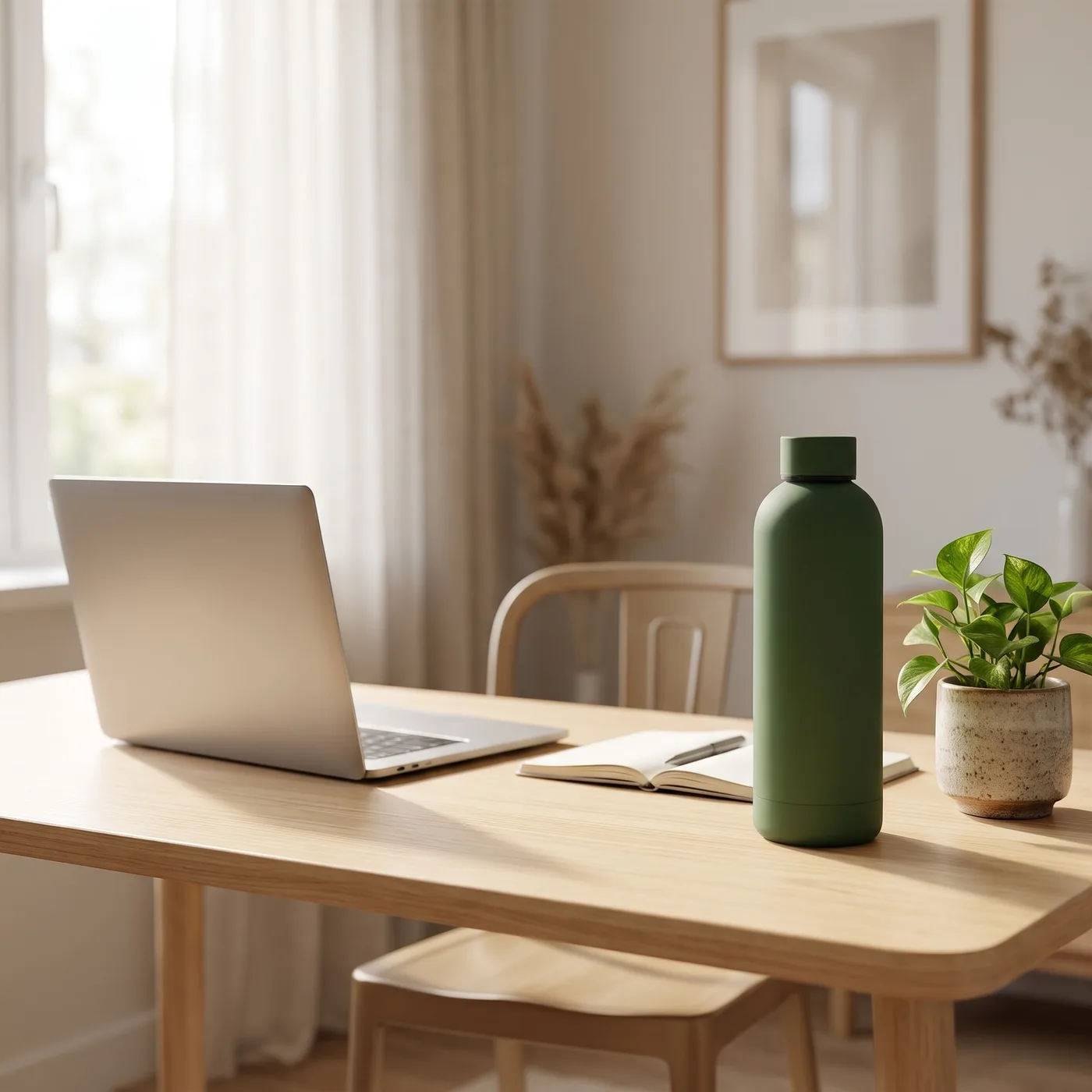
Lifestyle scene
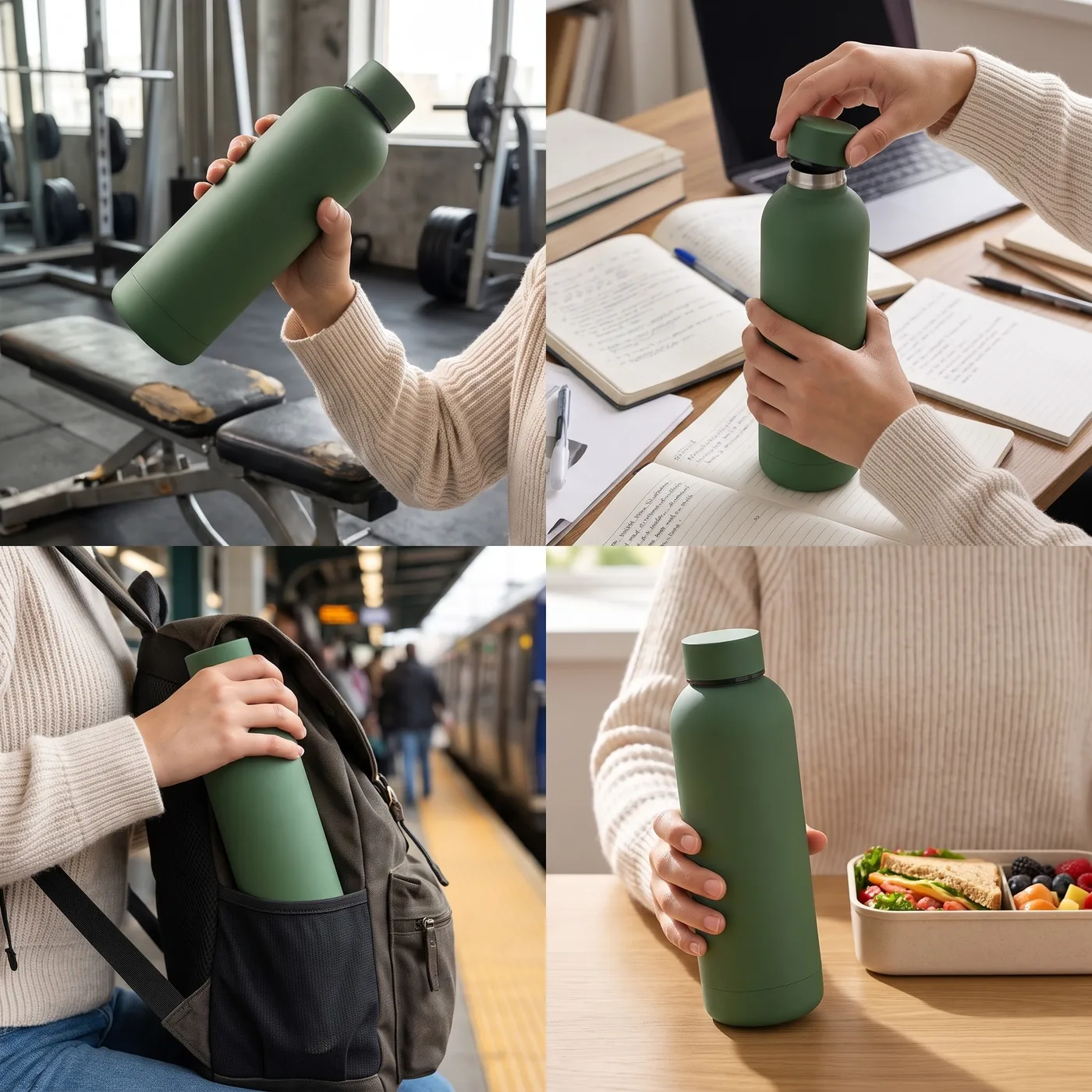
In use, four moments
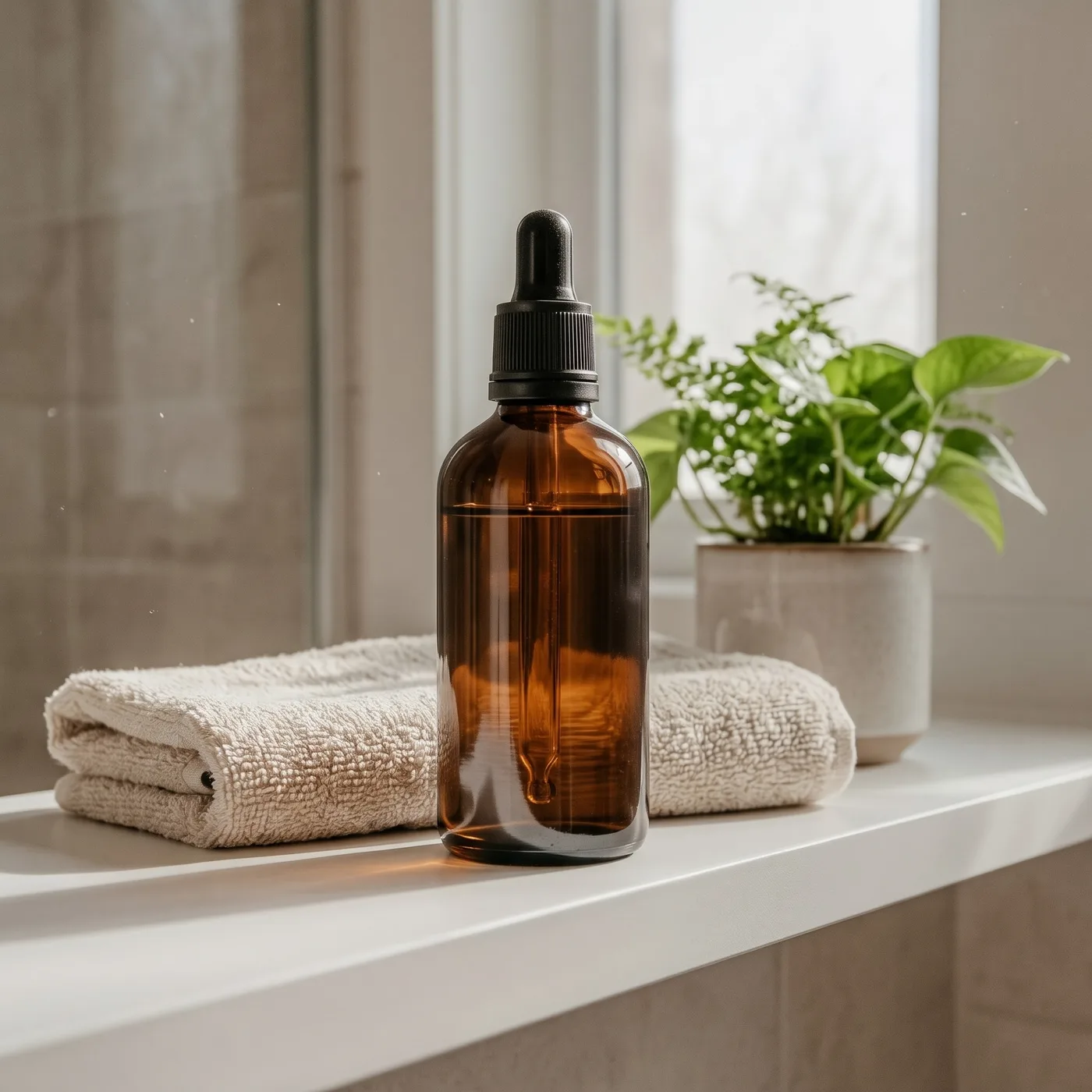
Bathroom shelf
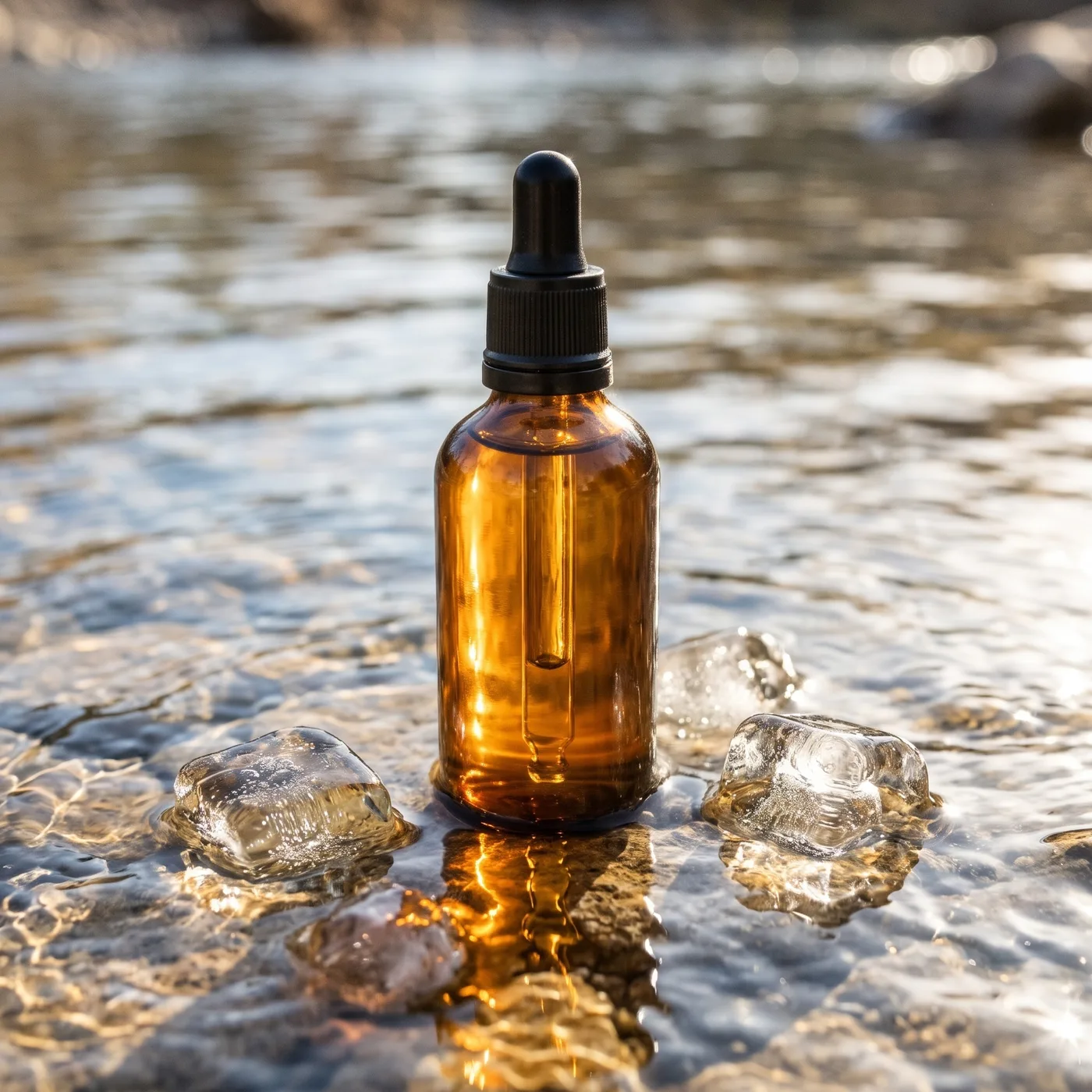
Mood shot
What is an Amazon in-use image?
An Amazon in-use image shows hands using the product in its real setting, with the things it is actually used with and nothing unrelated, such as coffee beans next to a grinder. Product Aura's category sets make one where top listings show the product in use, so buyers see how it works without reading the bullet points.
What is an Amazon in-hand image?
An Amazon in-hand image shows a hand holding or using the product, so buyers see its real size. It is image 4 of Product Aura's default Amazon set, because size is the question a photo on white cannot answer.
Does Product Aura keep the product the same in Amazon lifestyle images?
Yes, Product Aura keeps the product the same in Amazon lifestyle images: every scene is made from your own photo, with the instruction to keep the product, its label text and its logo exactly as in your photo. If a product still comes out changed, rate the image “Product looks different” and say what changed to get a free new version (up to 3 per image, within a monthly limit), so a changed product costs you no extra credits. Check the label and details before you upload, as with every image.
Can Amazon lifestyle images show AI-generated people?
Yes, Amazon lifestyle images can show AI-generated people, if each file is labelled: Amazon asks sellers to add the keyword contains-synthetic-performer to the image's XMP dc:subject field (Amazon announcement, Seller Forums). Amazon staff say this has been mandatory since June 6, 2026, and that for listing images, tagging the file before upload is the only option (Amazon staff answers). Product Aura adds the keyword to every image with realistic AI people, such as the in-hand shot; the setting is on by default and can be turned off, so your files are labelled before you upload them. More on Amazon's AI image rules.
Where do lifestyle images go in an Amazon listing?
Amazon lifestyle images go in an Amazon listing's secondary image slots, after the Amazon main product image. Amazon recommends “at least six” images per listing (Amazon: 6 tips for product photos). Product Aura's default Amazon set puts the first Amazon lifestyle image third, after the feature infographic, so the gallery mixes facts and real-life photos:
- Main image on white
- Feature infographic
- Lifestyle scene
- In hand / scale
- Detail close-up
- Benefit banner
- Another scene
- Other angles
Category sets follow the order top listings in that category use instead.
What size should Amazon lifestyle images be?
Amazon lifestyle images should be 500 to 10,000 pixels on the longest side, like every Amazon listing image, and over 1,000 pixels so shoppers can zoom (Amazon: 6 tips for product photos). Product Aura makes them as 2K squares, 2,048 × 2,048 pixels, so the scene stays sharp when shoppers zoom in. All sizes: Amazon image size requirements.
How do you make Amazon lifestyle images with Product Aura?
To make Amazon lifestyle images with Product Aura, upload one product photo, check the setting in the product profile, keep the lifestyle shots ticked and generate:
- Upload one product photo. A clear JPG, PNG, WebP, HEIC or TIFF photo of the whole product, up to 15 MB, or a link to its product page.
- Check the setting. Product Aura drafts where the product belongs and who uses it; change it if your buyers use it somewhere else.
- Pick the shots. The shot plan shows every image and its credit cost; untick what you do not need.
- Review and download. Change any scene with a sentence, such as “put it on a picnic blanket”, and download the ZIP.
The images take about 1 to 3 minutes to make, so you can add lifestyle scenes to a listing the same day, with no photo shoot to book.
How much does an Amazon lifestyle image cost?
An Amazon lifestyle image costs about $71 to $100 from a listing-design agency, and about $0.25 to $0.32 with Product Aura. The agency figure is My Amazon Guy's listing-image packages, $400 to $1,000 for 5 to 10 images that include lifestyle shots, and $100 for each extra image (My Amazon Guy, asking prices, November 2026). Each Product Aura image uses 1 credit, about $0.32 on the Creator plan, and the full default Amazon set of 8 images costs about $2.53, so you can afford a lifestyle scene for every product. See Product Aura pricing.
Frequently Asked Questions
Can the Amazon main product image be a lifestyle image?
No, the Amazon main product image cannot be a lifestyle image: Amazon asks for it on a pure white background, without props. Lifestyle images go in the secondary image slots, so your main image stays the clean product shot shoppers see in search.
Can I choose the setting of my Amazon lifestyle images?
Yes, you can choose the setting of your Amazon lifestyle images: Product Aura drafts the setting from your photo, such as a home office or a bathroom shelf, and you can change it in the product profile before you generate, or change one image with a sentence afterwards, so every scene matches where your buyers use the product.
How many Amazon lifestyle images should a listing have?
Amazon sets no number of lifestyle images a listing should have; it recommends at least six images per listing in all. Product Aura’s default Amazon set has 8 images, and three of them are Amazon lifestyle images (a scene, an in-hand shot and a second scene), so your gallery mixes real-life photos with the facts buyers check.
Do I need a product photographer for Amazon lifestyle images?
No, you do not need a product photographer for Amazon lifestyle images: Product Aura makes them from one clear photo of your product, including the scene, the props and the hands, so you can skip booking a shoot. A photographer is still the better choice when you need a real person who is your brand ambassador.
Make Amazon lifestyle images from one product photo
Your real product in a lifestyle scene, in use and in hand, plus the rest of the Amazon listing set, from one photo.
Make Amazon lifestyle images